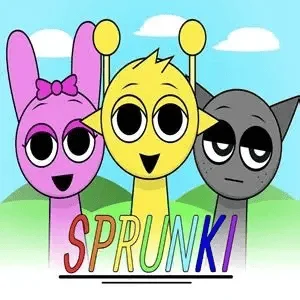

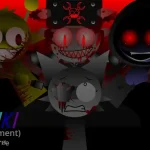
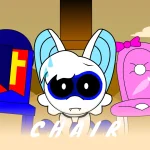
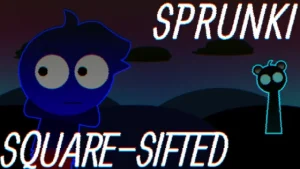
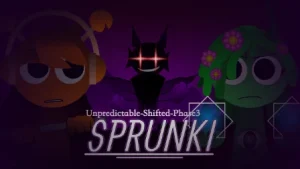
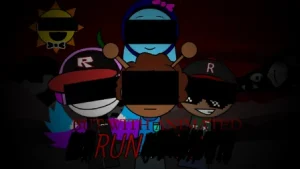

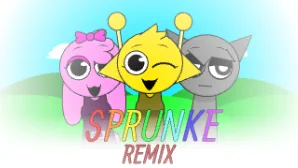
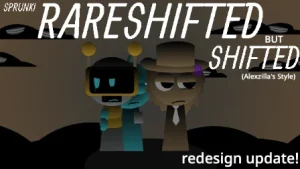
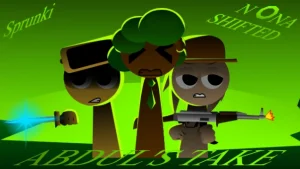


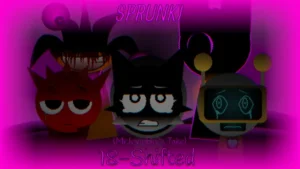

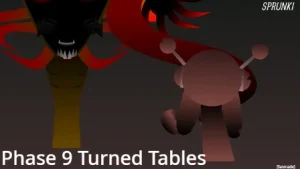
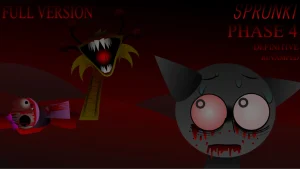
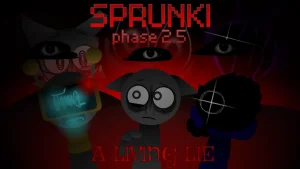



A striking contrast takes the stage in this custom iteration of the classic drag-and-drop beatmaking experience. Set against a lineup of expressive figures, the game invites players to assemble layers of percussion, melody, and vocal soundscapes. While maintaining the familiar layout of Incredibox Sprunki, this update brings fresh audio textures and distinct character redesigns that alter the mood of every mix.
Atmosphere plays a central role as players move between distinct modes. Placing standard beatboxing icons generates upbeat rhythm tracks, but dropping the black top-hat icon onto the stage triggers a brief dark screen, shifting the ensemble into a surreal horror state. Characters visually transform into altered, traumatized forms, accompanied by intense audio layers. Sound choices throughout the update rely on distinct samples—including acoustic kicks—and take inspiration from community creations such as Lunyx's project style and Glitchsphere's sound design on Mr Sun.
Created by solo developer @NoobYuh, who crafted all original visual designs, audio tracks, and graphic assets, the project presents a commentary on the community itself. As @NoobYuh clarified, the update was built primarily for fun and to reflect the current state of the fandom rather than serving as a personal vent project. This community-submitted creation is now available to play directly on Sprunki.cool, offering fans a unique opportunity to explore fresh rhythms and visual twists.
Loading comments...