





Sprunki Phase 10 demo

What Is Sprunki Phase 10 demo?

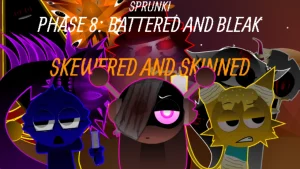
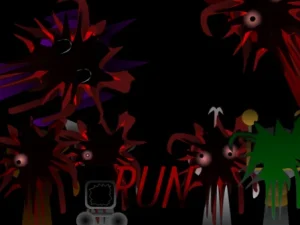
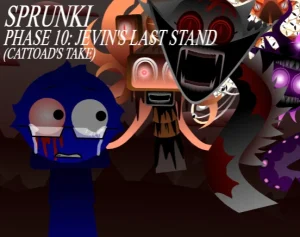
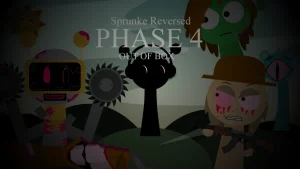
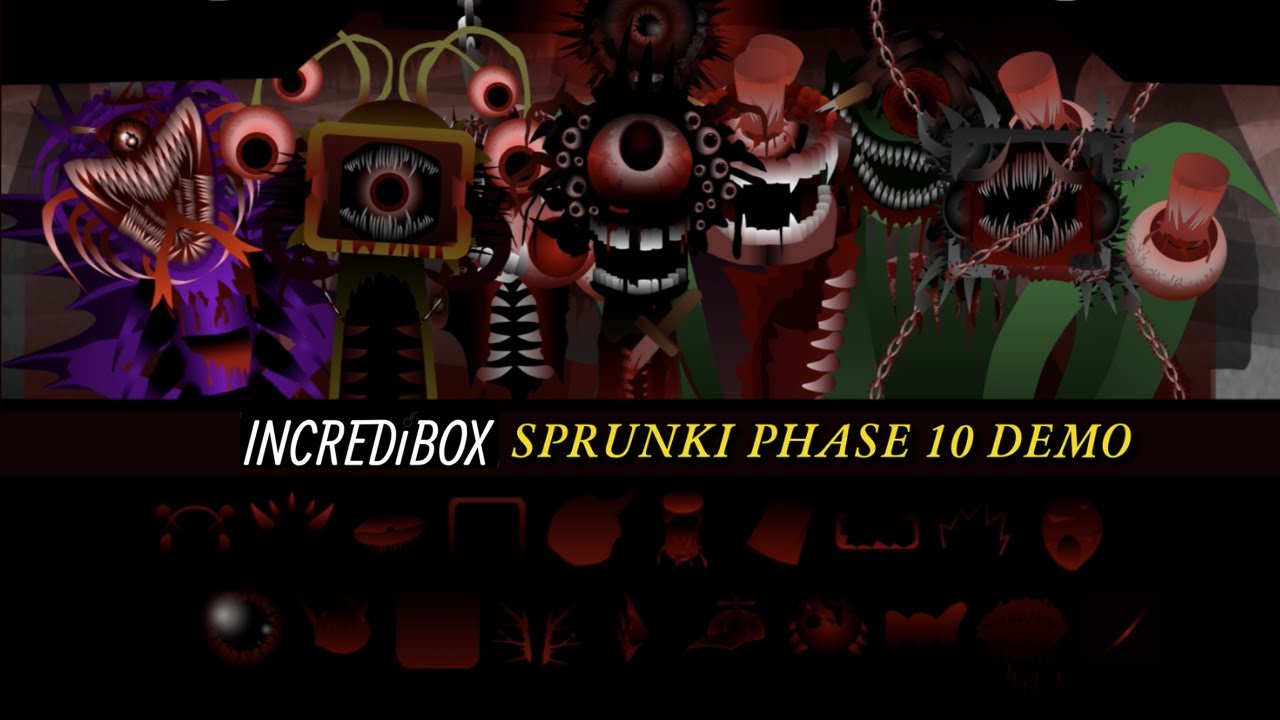
The world of Sprunki continues to expand into darker, more complex territories where the boundaries of fan-made music mixing are pushed to the limit. Sprunki Phase 10 Demo arrives as a technical showcase, emphasizing high-fidelity visuals and a dense sonic structure that challenges the player's hardware. This version focuses on a specific aesthetic of complexity, where the characters are no longer simple icons but intricate compositions designed to create a specific, heavy atmosphere.

To start your mix on sprunki.cool, you will interact with a layout divided into Beats, Effects, Melodies, and Vocals. The core loop involves dragging these sound roles onto the characters to layer a track. You should watch how the complex vector animations react as you add more layers, listening for the way the melodies intertwine with the heavy beats. The goal is to find a balance between the various audio categories to create a cohesive, high-energy remix.

Sprunki Phase 10 Demo interface screenshot

What separates this demo from a standard Sprunki Phase 10 is the sheer level of visual detail. While most mods use simple sprites, this version utilizes complex vector art that creates a distinct look, though it comes with a performance cost. The focus here is on the "demo" aspect, serving as a proof of concept for how detailed the characters can become without sacrificing the core music-mixing loop that players expect from the series.

Community feedback highlights a significant technical hurdle: the mod is extremely resource-heavy. Players have reported that the game can eat up to 2.3 GB of RAM, leading to severe lag that can affect the entire browser page. Some users have described the vector work as "sorcery" due to its complexity, while others have struggled with characters getting stuck or the page freezing. These reports suggest that the high object count in the costume editor is the primary cause of the performance drops.

Ultimately, this version is best suited for players with powerful PCs who prioritize visual fidelity over smooth performance. If you have a lower-end device, you may find the lag frustrating, making it a risky experience. The main boundary here is the technical stability; while the music is described as "fire," the hardware requirements are the biggest obstacle to enjoying the full mix.

Join The Conversation

Share your thoughts and experiences with other players

Click to load the comment system and start chatting with other players

Sprunki Phase 10 demo Gameplay Videos

Video thumbnail
Video thumbnail

How to Mix in Phase 10

1

Layer Your Sound Roles

Start by selecting a sound from the Beats category to establish your rhythm. Once the base is set, drag and drop Melodies and Vocals to build the song's structure. Finally, add Effects to fill the sonic gaps. Experimenting with the order of these layers helps you identify which sounds dominate the mix and how to balance the overall volume.

2

Monitor Visual Feedback

Pay close attention to the character animations as you activate different sounds. Because this demo uses complex vector art, the visual transitions are a key part of the experience. Watch for how the characters react to the beat, as the high detail level makes these movements more pronounced than in simpler versions of the mod.

3

Test Hardware Stability

Before building a full mix, try activating a few characters one by one. This allows you to see how your browser handles the RAM load. If you notice the page becoming laggy, try removing a few layers to see if performance improves, as the high object count can cause the browser to stutter during playback.

Performance Optimization

  • Clear Browser Cache

    Close all unnecessary tabs and clear your browser cache before launching the game to free up as much RAM as possible.

Technical Standouts

1

High-Detail Vector Art

The characters feature an intense level of detail created through complex vectoring. This gives the mod a professional look that stands out from basic sprites, though it increases the processing load on the user's computer.

2

Four-Category Audio System

The demo organizes sounds into Beats, Effects, Melodies, and Vocals. This structured approach allows players to build a professional-sounding track by layering specific roles rather than guessing which sounds fit together.

3

Demo-Specific Tuning

As a demo version, this mod focuses on showcasing the potential of Phase 10's art style and sound palette, providing a glimpse into the intended direction of the full fan-made phase.

Why Play Sprunki Phase 10 demo?

" Complex vector art meets heavy-duty performance "

" Layer beats and melodies in a high-detail demo "

" Test the limits of your browser with Phase 10 "

Troubleshooting & FAQ