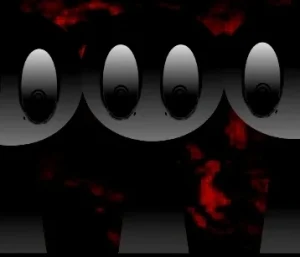




























A fresh visual take on the classic beat-mixing formula, Sprunkdiddles introduces entirely original, cartoonish character designs that step away from the familiar, color-shifted templates of the past. The stage is set across two distinct phases, each offering its own unique layout and rhythmic atmosphere.
Players begin their musical journey in the first phase, using mouse or keyboard controls to gather notes and trigger custom-designed sound loops. Once the objectives of the first phase are met, the game transitions into a second phase with a completely new layout. For those looking to bypass restrictions, an optional "God Mode" is available to unlock extra abilities and experiment freely with the soundscape.
Created by @Roasty as a self-imposed speedrun challenge, the mod was built in just four to five days. @Roasty designed it to bring back the spirit of older "retake" mods, deliberately avoiding the standard character templates to offer something visually fresh. Despite its quick development cycle as a "filler mod," it has charmed players with its polished audio and expressive cartoon style, with community members praising the high-quality sound design. Responding directly to player feedback, the creator even updated the game to include a highly requested fullscreen button.
This community-submitted game is now available to play on Sprunki.cool. It is a short, highly engaging experience—lasting around two hours—perfect for players who appreciate custom character art and classic, dual-phase music mixing.
Loading comments...