
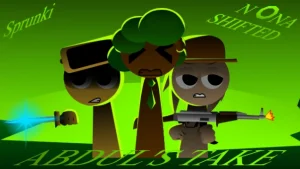



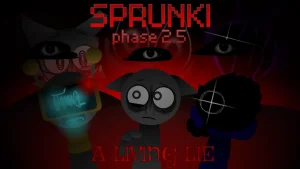



Sprunki 7-Shifted Abdo's Take

What Is Sprunki 7-Shifted Abdo's Take?

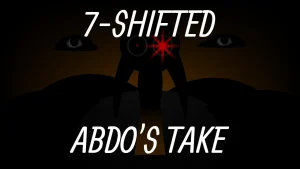
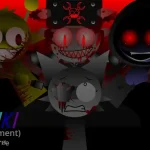
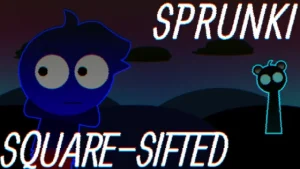
A stark, gray-white stage stands before you, populated by a lineup of mysterious black silhouettes. This is the eerie, minimalist canvas of Sprunki 7-Shifted Abdo's Take, a dark modification branch of the popular Sprunki 7 Shifted family. In this creative sandbox, the familiar colorful cast is swapped, transformed, and shrouded in shadow, waiting for you to orchestrate their haunting new soundscapes.

At its core, the game is an open-ended musical mixer built on a Scratch-based framework. Below the central character array lies a selection of roughly twenty colorful sound icons. Dragging these icons onto the silhouettes activates their individual audio loops, allowing you to layer beats, melodies, and vocals into a rich, custom track. This specific take by community creator @abdocat introduces updated sounds for several characters, a dedicated gallery, and new roster additions including Kiwi, Bigb, and MrMunchkinsManStill. Visual updates like a fresh intro, warning screen, and a dynamic camera zoom effect for Oren add to the mod's atmospheric tension.

There are no scores, timers, or strict win conditions to worry about. Instead, the focus is entirely on creative freedom and exploration. As you experiment with different combinations, you might even uncover hidden characters lurking behind the main silhouettes to expand your mix. This community-submitted mod is now fully playable on Sprunki.cool, offering a chillingly unique audio-visual experience for fans of the Shifted series.

Join The Conversation

Share your thoughts and experiences with other players

Click to load the comment system and start chatting with other players

How to Mix in Abdo's Take

1

Drag and Drop Sounds

Select any of the colorful sound icons from the bottom rows and drag them onto a black silhouette to activate their loop.

2

Mute and Reset

Drag a character off the stage to mute their sound, or click the reset button in the top-right corner to clear the entire stage and start fresh.

3

Explore the Menu

Use the menu button in the top-left corner to navigate through the game's options and gallery.

Tips for Creative Mixing

  • Look Behind the Silhouettes

    Don't just stick to the visible lineup. Explore the stage to find hidden characters that can add unique layers to your track.

    Keep an eye out for subtle visual cues that hint at a hidden character's location.

  • Layer Gradually

    Start with a basic beat loop, then slowly introduce vocals and melodies to build tension in your mix.

Shifted Features & Sound Updates

1

Shadowed Silhouette Cast

Characters are presented as dark silhouettes against a stark gray-white background, hiding their true forms until activated.

2

New Sounds & Characters

Features updated audio loops, a gallery, and characters like Kiwi, Bigb, and MrMunchkinsManStill.

3

Oren's Camera Zoom

Experience dynamic visual feedback with a new camera zoom effect specifically added for Oren.

4

Hidden Discoveries

Search behind the main silhouettes to find hidden extra characters waiting to join your mix.

Why Play Sprunki 7-Shifted Abdo's Take?

" Uncover the shadows and layer the loops in this dark Shifted retake. "

Frequently Asked Questions