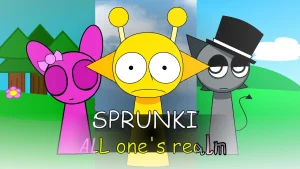

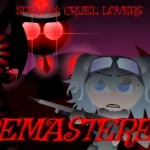
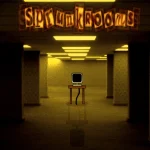
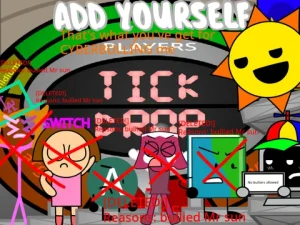
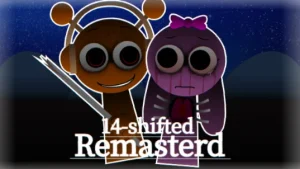
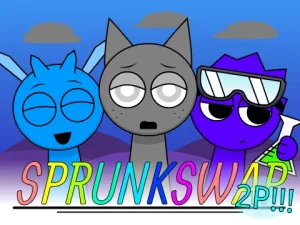
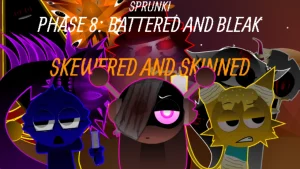
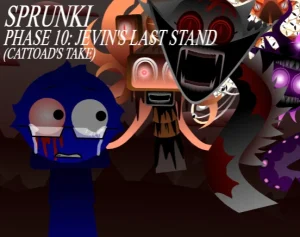
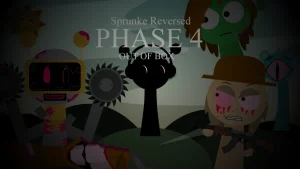




A sudden rupture across the multiverse brings the alternate dimensions of the Sprunki fandom onto a single, chaotic soundboard. Instead of sticking to one timeline, the stage gathers contrasting figures pulled straight from separate realm mods—ranging from the surreal echoes of Sky's domain to the ominous undertones of Simon and the manic energy of Owackx. What begins as a familiar beatbox session quickly twists into an unpredictable showcase where every character carries the musical imprint and eerie visual baggage of their own custom reality.
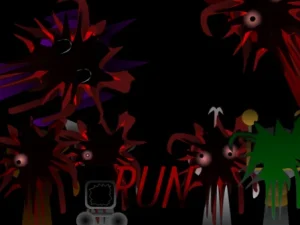
The roster spans four distinct sound classes, letting you blend beats, textured effects, melodic lines, and vocals across a unified set of mixing slots. Percussion anchors the mix through figures like Oren, Raddy, and Fun Bot, while melodic layers from Mr. Sun, Durple, Mr. Tree, and Simon trade leads over strange ambient effects. A dedicated Melody Alt feature allows performers to harmonize differing rhythms and counter-melodies simultaneously, creating denser compositions than a standard soundboard. If you push the mix across the threshold into horror, the vibrant color palette breaks down, warping the lineup into uncanny silhouettes backed by discordant, distorted audio.
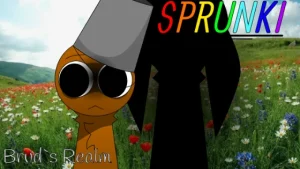
Created by @supermonkeylol, the mod operates on an unapologetically playful philosophy: "every realm is realms." The project serves as an open tribute to community spin-offs, stitching together pieces inspired by separate creator projects like Durple's Realm and Garnold's retakes, while pairing the music with eccentric interface quirks—including playful UI buttons that jitter across the screen when selected. For players familiar with individual character spin-offs like Sprunki Bruds Realm, this crossover collects those distinct sonic experiments under one roof. This community-submitted game is now available to play on Sprunki.cool, offering a direct pass into an ambitious, delightfully chaotic convergence of fan-made realities.
Loading comments...