

![Sprunki Veri Treatment [Remastered]](https://sprunki.cool/wp-content/uploads/2026/09/sprunki-veri-treatment-remastered-300x169.webp)
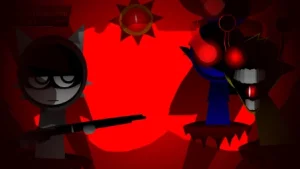
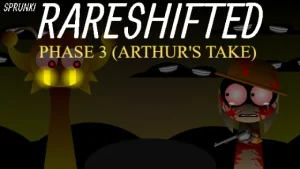



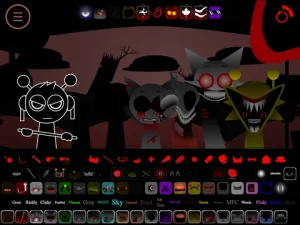

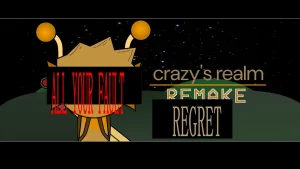
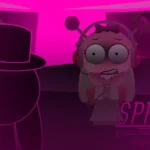
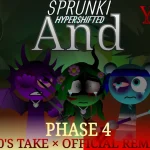
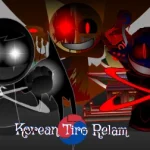
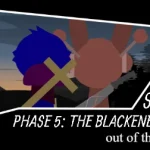
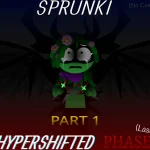
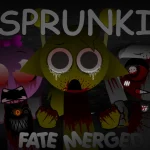
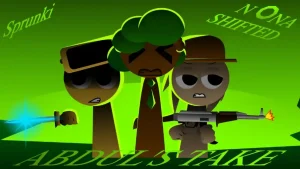
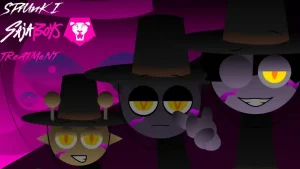
In a realm dominated by uncanny colors and distorted audio loops, Sprunki Crazy's Realm Regret transforms the familiar music-box formula into an eerie soundscape. Players drag bizarre, animated icons onto main characters across a surreal stage, layering aggressive beats, vocal fragments, and discordant melodies. Each character icon comes alive with exaggerated visual reactions and twisted expressions that respond dynamically to the tracks you assemble.
Building upon the foundations of original fan creations like Sprunki Crazys Realm Remake Recreation, this fan remake—crafted by @supermonkeylol (associated with creator Niki)—carries a lingering sense of tension echoed by the creator's ominous phrase, "ALL YOUR FAULT." The stage abandons bright, traditional rhythm loops in favor of unsettling audio experimentation, inviting players to build complex auditory texture from chaotic components.
Community reactions capture the disorienting allure and technical quirks of the experience. Players like _skiyak noted a feeling of being delightfully lost ("where am i.ok but no this is actually really goo"), while others enjoy pairing characters like Ciwco and Funbot to explore unpredictable sound combinations. Creator @supermonkeylol has candidly acknowledged that the mod's complex animations can occasionally trigger bugs, costume display glitches, or rare launch failures.
Now playable directly in your web browser on Sprunki.cool, this community-submitted mod offers a distinct, eerie rhythm sandbox for creators looking to mix music on the fringe of surreal game design.
Loading comments...