
![Sprunki Veri Treatment [Remastered]](https://sprunki.cool/wp-content/uploads/2026/09/sprunki-veri-treatment-remastered-150x150.webp)

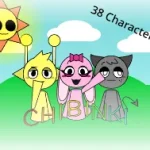

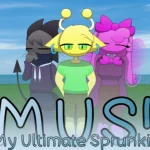
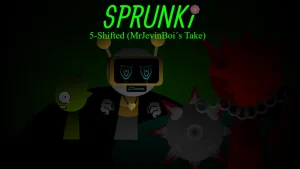

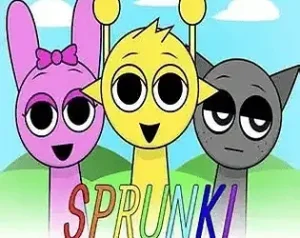
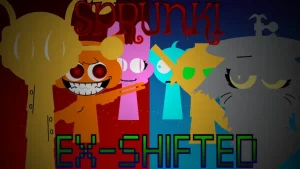
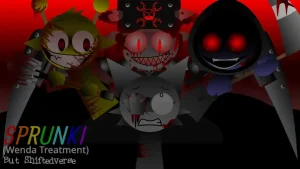




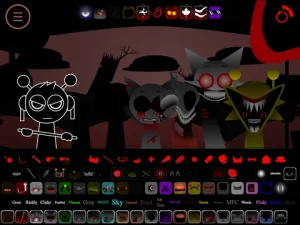


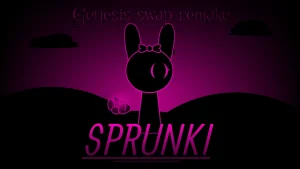
Step onto the stage where familiar cartoon faces produce entirely unexpected sounds. In Sprunki Genesis Swap Remake, the classic character arrangement returns with a playful twist: every character's audio role has been swapped across the lineup. Dropping a familiar figure onto the board no longer yields their traditional beat or vocal—instead, players must discover new tone assignments and multi-layered electronic stems hidden behind each 2D character icon.
The reworked experience centers on audio exploration. Vibrant cartoon visuals set the backdrop as you combine reallocated voice lines, synth loops, and percussion layers in real-time mixing. The unexpected pairings encourage spontaneous experimentation, turning familiar rhythms into fresh custom tracks. Among the lineup, players will spot standout characters like Mochi, an inclusion that quickly caught community attention as fans double-checked the roster to test Mochi's swapped audio performance firsthand.
Created by @Muhammadcarlyt as a refined V1.0 release, this project rebuilds the sound-swapped premise originally seen in Sprunki Genesis Swap. Addressing earlier builds that the author humorously reflected on as needing work, this updated remake delivers a smoother interface and clearer audio layering than prior iterations, alongside options like standard creation and timed challenge modes.
This community-submitted mod is now available to play on Sprunki.cool. Whether you want to test your timing in challenge scenarios or build unpredictable electronic loops, Sprunki Genesis Swap Remake offers a creative remix sandbox for fans of audio-swapped Sprunki mods.
Loading comments...