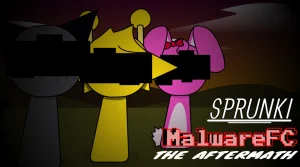





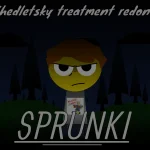

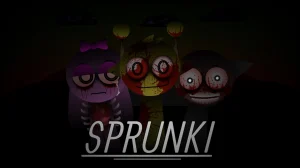
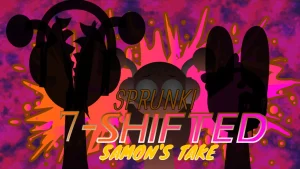
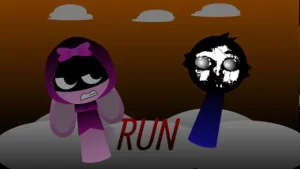
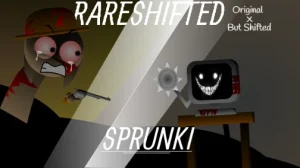
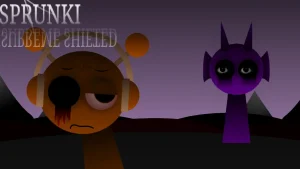

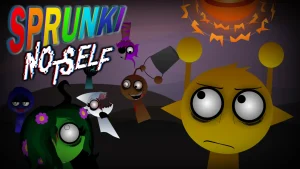
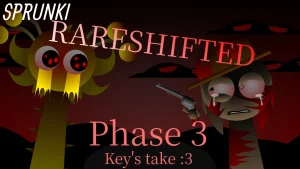






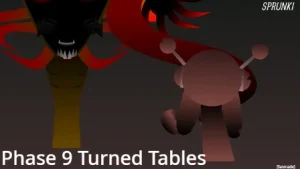
The metal static has settled and the sound of mechanical marching is finally quiet, but the stage is far from peaceful. In the post-takeover fallout, the survivors gather to reconstruct their music—yet every beat carries the memory of what was lost. As the concluding chapter of the trilogy, Sprunki MalwareFC the aftermath trades carefree rhythms for an atmosphere defined by lingering corruption, grief, and sudden tonal shifts.
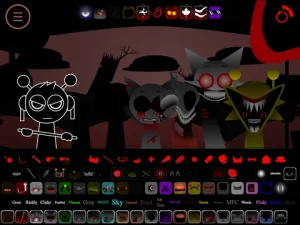
The stage provides seven empty mixing slots alongside 20 selectable characters categorized into Beats, Effects, Melodies, and Vocals. On the surface, the initial roster presents familiar cartoon visual styles, allowing players to layer light rhythms. Beneath those updates, however, lies an eerie atmosphere—most noticeable in Fun Computer, who has received an update yet doesn't quite feel like himself. Dragging the ominous black top hat onto an active slot briefly darkens the screen, plunging the session into Horror Mode where visual sprites shatter into injured or rotted forms and audio layers transform into tense, distorted tracks.
Created by modder @Cyleranimates, this installment creates a sharp contrast between upbeat creation and chaotic fear. Addressing the intensity of the audio shifts, the creator offered a direct warning to players: "I WANT TO SAY THAT U SHOULD TURN DOWN UR VOLUME A BIT." The surge of static and distorted pitch can catch unsuspecting listeners off guard once corruption takes hold. Echoing the sentiment shared across player discussions—"The robot Takeover is over But we lost... So many innocent people"—the game uses its sound design to highlight the lingering scars of the conflict. Players coming from Sprunki MalwareFC will recognize how this chapter brings the storyline to its dramatic conclusion.
This community-submitted mod is now available to play directly in your web browser on Sprunki.cool. Step onto the stage, build your arrangement, and keep your volume balanced as you navigate the aftermath.
Loading comments...