Sprunki Phase 1.5 [RandomShifted]

What Is Sprunki Phase 1.5 [RandomShifted]?

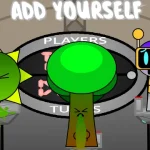
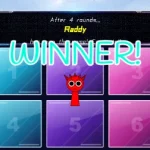
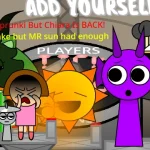
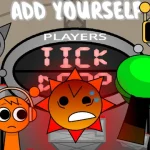
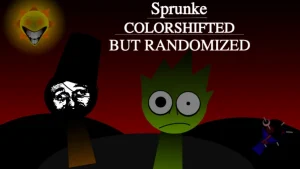
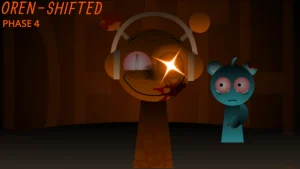
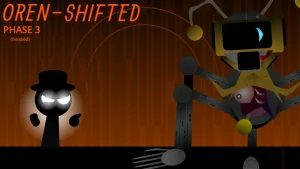
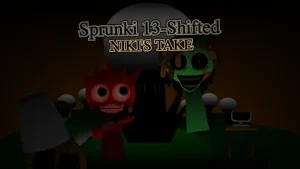
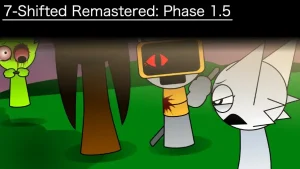
Not every Sprunki walked away from Phase 1.5 unscathed — some are Alive, others Half-Infected, and a few didn't make it at all. Sprunki Phase 1.5 [RandomShifted], crafted by @SprunkiSimonTimeYa and originally from cocrea, shuffles that grim lineup into a music-creation sandbox you can jump into right now on sprunki.cool. The roster splits into four clear roles: Beats (Oren, Raddy, Clukr, Fun Bot, Vineria), Effects (Gray, brud, Garnold, OWAKCX, Sky), Melodies (Mr. Sun, Durple, Mr. Tree, Simon, Tunner), and Vocals (Mr...). Each slot carries a status tag — Alive, Injured, Infected, Dead — which adds weight to who you place on the board.

Mechanically, you hit Play, then drag character icons onto the stage to build a composition. The "RandomShifted" label suggests the character assignments or outputs get scrambled compared to the base Phase 1.5, so expect surprises when you drop someone in. Players tracking the broader Phase 1.5 ecosystem have asked whether the status labels actually change the sound output or serve as visual flavor — based on the available description, that remains an open question rather than a confirmed mechanic.

If you enjoy experimenting with character placement and don't mind some unpredictability in what each icon produces, this V1.0 release is worth a session. Those who prefer clean, predictable loops might find the shifted randomness frustrating. Hit record when you're happy with your track and share it with friends to compare results.

Join The Conversation

Share your thoughts and experiences with other players

Click to load the comment system and start chatting with other players

Getting Started with the Phase 1.5 Roster

1

Press Play First

Start your session by hitting the Play button to set up the sonic groundwork before placing any characters.

2

Learn the Four Sound Roles

Characters are divided into Beats, Effects, Melodies, and Vocals — each category adds a different layer to your track.

3

Check Character Status Tags

Each icon shows a status like Alive, Infected, or Dead. These labels are tied to the Phase 1.5 lore and appear alongside every character on the board.

Making the Most of Random Placement

  • Start with Beats, Then Layer

    Drop Oren, Raddy, or Clukr first to establish a rhythm foundation before adding Effects and Melodies on top.

    Fun Bot and Vineria round out the Beats roster — try all five before committing.

  • Expect the Unexpected

    The RandomShifted mechanic means a character might not produce what you'd assume from their base Phase 1.5 role.

    Test each icon individually before building complex arrangements.

What Sets This Shifted Version Apart

1

Categorized Sound Slots

The cast is organized into Beats, Effects, Melodies, and Vocals, making it easier to understand what each character contributes to your composition.

2

Status-Labeled Characters

Every character carries a condition — Alive, Half-Infected, Injured, Dead, or Infected — drawn from the Phase 1.5 narrative framework.

3

Record and Share

Once you've built a track, use the record function to capture your creation and send it to others for feedback.

Why Play Sprunki Phase 1.5 [RandomShifted]?

" Every character carries a status. Every beat tells a story. "

" Random-shifted chaos, one drag at a time. "

" Build your track from the survivors and the infected. "

Common Questions About RandomShifted