











![Sprunki Sprunkatool [OFFICIAL]](https://sprunki.cool/wp-content/uploads/2026/09/sprunki-sprunkatool-official-300x169.webp)
![Sprunkilarity [Niki's Take]](https://sprunki.cool/wp-content/uploads/2026/09/sprunkilarity-nikis-take-300x223.webp)
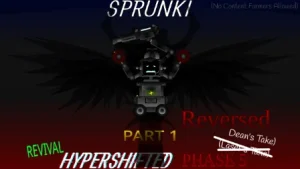
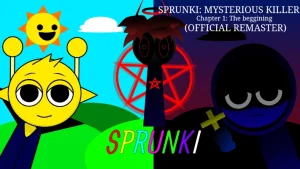
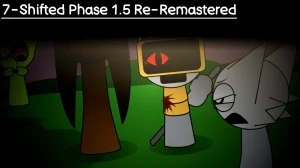
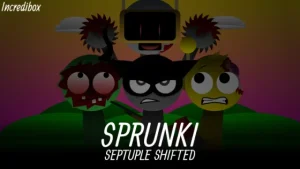
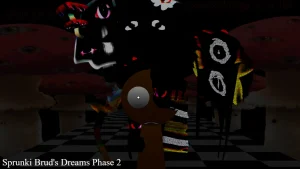
Drag the newly fixed Jevin onto the stage to see how the V1.0.1 update cleans up the character animations in this revamped lineup. This latest version fixes a glitchy animation bug that previously broke the visual flow, making your beat-making sessions look much smoother. If you are jumping in for the first time, you will notice the interface feels more responsive as you drop beats. It is a quick fix, but it makes a huge difference when you are trying to build a clean visual loop.
To start building your track, use your mouse to select characters from the bottom row and drop them onto the active slots. You want to listen closely to how the normal phase beats layer together before you try anything too chaotic. Mixing different rhythms and vocal loops helps you find the core groove of the track. Once you get a solid loop going, you can start swapping characters out to hear how the sound shifts.
The Sprunki universe is famous for its massive library of fan-made music-mixing mods, where players layer loops and voices to create custom tracks. This specific mod is a unique take on the popular Sprunki Phase 12 style, offering a remastered twist that shifts the original sound. Fans of the series love these variations because they remix familiar characters with creepy themes and fresh audio layers. It fits right into the community's obsession with horror-themed phases and alternate character designs.
What makes this version stand out is the contrast between the Phase 12 Remastered remix and the eerie Anti Shifted remix style. The horror mode hits much harder if you spend a few minutes listening to the normal phase beats first, letting the sudden shift in tone catch you off guard. The revamped lineup gives you a different set of sounds to play with compared to the classic version. It is all about finding the balance between the clean, remastered beats and the darker, shifted tones.
Players who love creepy remixes and clean animations will have a blast experimenting on sprunki.cool. However, if you are looking for a completely massive roster with dozens of brand-new characters, this focused lineup might feel a bit short. Keep an eye out for the animation on Jevin to make sure the V1.0.1 patch is running smoothly on your browser.
Loading comments...