








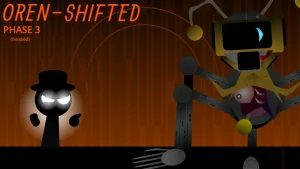

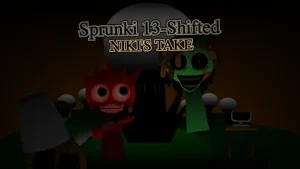
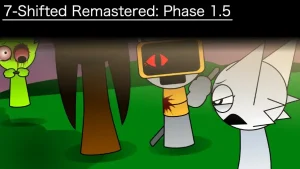
Sprunki Phase 3 (My Take)

What Is Sprunki Phase 3 (My Take)?

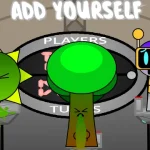
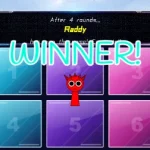
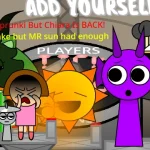
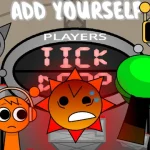
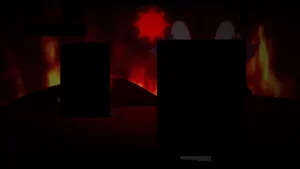
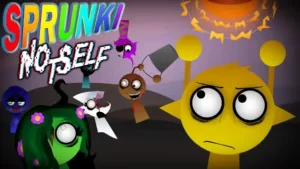
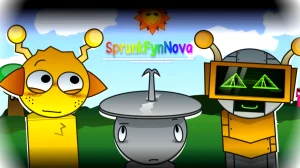
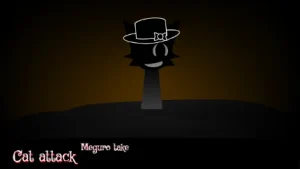
This is a community-created MOD known as Sprunki Phase 3 (My Take), a creative reimagining of the popular music series. Developed by the talented creator @SamuelDK, this version offers a fresh perspective on the established Phase 3 aesthetic. Currently available on sprunki.cool, this V1.0 release allows players to dive into a world of rhythmic experimentation and character-driven soundscapes. Originally shared on the cocrea platform, this mod brings a unique flair to the fan-favorite series.

In this version, players can explore character sound layering and rhythmic synchronization to build their own tracks. The "My Take" aspect highlights @SamuelDK's specific artistic choices, providing a distinct atmosphere compared to other iterations. Whether you are a seasoned beat-maker or a newcomer to the scene, the intuitive interface on sprunki.cool makes it easy to start mixing. Focus on finding the perfect balance between the different vocal and instrumental loops to master the Phase 3 soundscape.

As a community MOD, players should keep an eye out for future updates as @SamuelDK continues to refine the experience. While this is an unofficial fan creation, it captures the spirit of the original while adding new layers of creativity. If you encounter any performance issues, try refreshing your browser or checking the community forums for support.

This guide for Sprunki Phase 3 (My Take) was created with AI assistance. While we've aimed to provide accurate information, for the most up-to-date details, please check the official game page on sprunki.cool.

Join The Conversation

Share your thoughts and experiences with other players

Click to load the comment system and start chatting with other players

Mastering the @SamuelDK Rhythm Mix

1

Character Selection

Drag and drop your favorite characters onto the stage to activate their unique sounds and animations.

2

Layering Beats

Combine different vocalists and instrumentalists to create a full, rich musical composition with multiple layers.

3

Resetting the Stage

Use the clear button to start your song from scratch and try a completely different musical vibe.

Pro Beat-Making Secrets

  • Timing Your Drops

    Wait for the current beat to loop before adding a new character for a smoother musical transition.

    Try adding characters during the 'downbeat' to ensure the rhythm stays consistent throughout your mix.

  • Visual Cues

    Watch the character animations; they often sync with the rhythm, helping you keep track of the tempo.

    If a character's animation looks faster, they likely provide a high-tempo sound or percussion element.

Cool Stuff in Phase 3 (My Take)

1

@SamuelDK's Unique Vision

Experience a custom-designed Phase 3 world with specific artistic choices and sound palettes by the creator.

2

V1.0 Sound Library

Access a curated set of sounds and animations specifically balanced for this version of the game.

3

Browser-Based Play

Enjoy the full experience directly on sprunki.cool without needing any downloads or complex installations.

Why Play Sprunki Phase 3 (My Take)?

" Unleash the rhythm in @SamuelDK's unique vision! "

" Phase 3 fun awaits on sprunki.cool! "

" Your music, your take, your Sprunki adventure! "

Everything About @SamuelDK's Mod