











![Sprunki Sprunkatool [OFFICIAL]](https://sprunki.cool/wp-content/uploads/2026/09/sprunki-sprunkatool-official-300x169.webp)
![Sprunkilarity [Niki's Take]](https://sprunki.cool/wp-content/uploads/2026/09/sprunkilarity-nikis-take-300x223.webp)
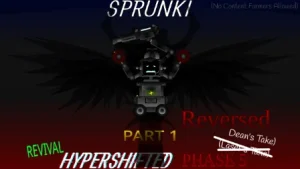
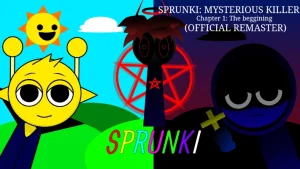
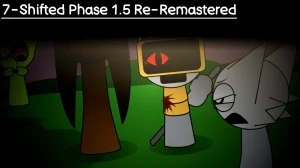
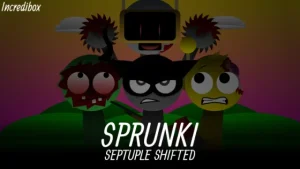
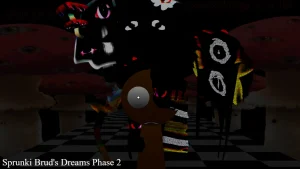
Creator @Durple2025Animations just dropped a fresh twist on the spooky music scene with a custom Pyramixed remix that completely reskins the creepy beats we already know. This new release takes the intense horror vibes of the original fan-favorite and remixes them into a Halloween-inspired soundscape that feels totally different from the start. If you want to jump straight into the action, you can play it right now on sprunki.cool without downloading a single file. It is a gift for @TheSprunkiUniverse that brings a whole new layer of suspense to your browser.
For anyone new to this setup, the gameplay loop is super simple to pick up but offers plenty of room to experiment. You start by looking at a roster of twisted, horror-styled character icons lined up at the bottom of your screen, each tied to a specific sound element like a beat, effect, or vocal loop. To build your track, you drag and drop these spooky characters onto the active slots above and watch how they start performing their eerie loops. Beginners should try mixing different combinations slowly, listening for how the suspenseful vibes change when you swap out a heavy rhythm for a creepy vocal effect. It is all about finding the right balance of eerie tones to make your own custom horror track.
This mod fits into a massive web of fan-made music-mixing games inspired by the classic Incredibox style of play. In this ecosystem, players love to take existing characters and give them wild, creepy makeovers, often creating entirely new phases or horror variants. This specific release is a continuation of the ideas found in Sprunki Phase 4 and serves as a direct reskin of the popular Sprunki Phase 4 Gore Galore style. By blending these horror elements with the unique Pyramixed style, the creator gives fans of the universe a fresh way to experience their favorite characters.
When you compare this V1.0 version to the older Phase 3: The Carnage Continues, the visual style and sound design feel much more intense and spooky. You will run into creepy teasers and characters like Rhogul, Garnold, and Brud who bring their own unique visual flair to the mix. The community is already buzzing about these designs, with players like TheBartoXD238 even asking to work with the creator on future animations. This shows how much the community loves the custom look of these characters, making it a highly discussed update among fans who follow the evolution of these horror designs.
While the spooky atmosphere is top-tier, players who prefer cheerful, upbeat melodies might find the dark Halloween theme a bit too intense or repetitive after a while. There are no massive gameplay overhauls here, so do not expect a completely different game mechanic from the standard drag-and-drop formula. However, if you love creepy soundscapes and want to see a cool new take on classic characters, this update is absolutely worth a spin for any casual player looking for a quick, spooky music session.
Loading comments...