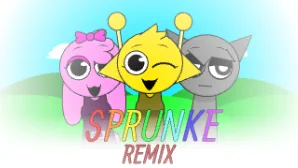

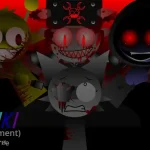
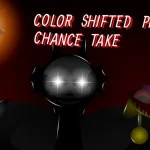
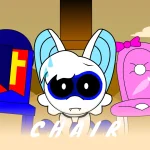
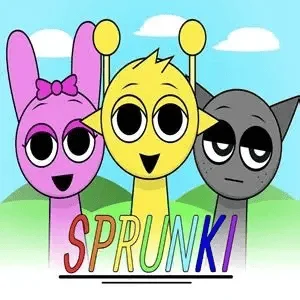
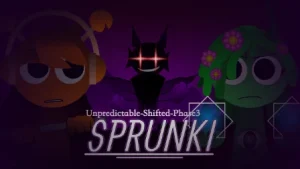
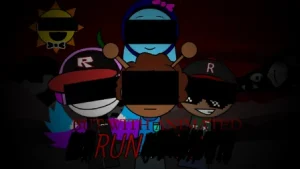

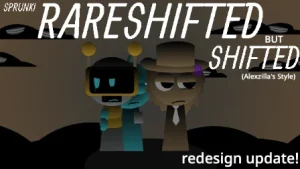
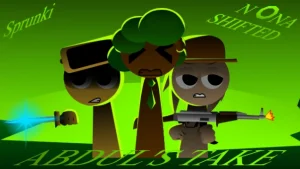


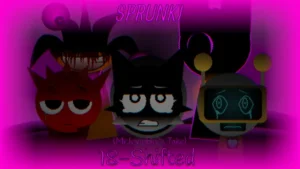




Step into a neon-drenched, futuristic city where the beats are electronic and the performers are sleek, colorful robots. Sprunki Remix Demo transforms the familiar musical sandbox into a high-tech stage, casting your favorite characters as robotic musicians pulsing with synthetic energy. As you drag and drop beats, melodies, and vocal loops onto the lineup, the city itself reacts, shifting its colors and patterns in perfect sync with your custom soundtrack.
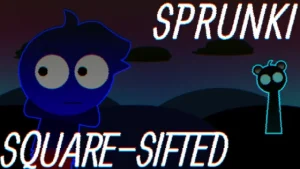
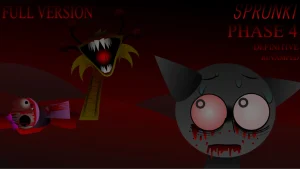
The experience offers two distinct atmospheres. In the Normal Mode, you are treated to a vibrant, glowing cityscape driven by upbeat electronic rhythms. But for those who want to explore a darker side of the machine, Horror Mode plunges the stage into shadow, transforming the robotic cast into eerie, distorted figures that emit unsettling, haunting soundscapes.
This demo, marked as Version V1.0, represents a collaborative celebration of the community's creativity. Created by a talented team of modders including @SamuelDK, @simonphase1, @wateralo, @Floorboard_Guy6, @VAsprunkiofficial_YT, @OnatheFox, @SerenitySmith, and @Traikiofficial, the project was crafted to honor Sprunki's 2nd anniversary. It draws inspiration from the original fan-made Remix AU concepts by ImDuke and the foundational Scratch release by NyankoBfLol, bringing together beloved fanon characters with fresh 8-bit and electronic soundscapes.
This community-submitted demo is now fully playable on Sprunki.cool, allowing you to mix, record, and share your futuristic tracks directly from your browser. Whether you are crafting a bright neon anthem or a chilling mechanical nightmare, the stage is yours to command.
Loading comments...