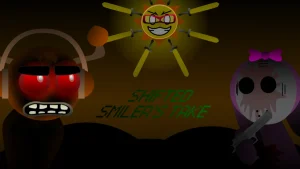

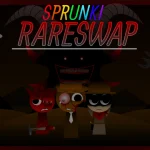
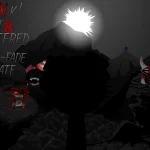
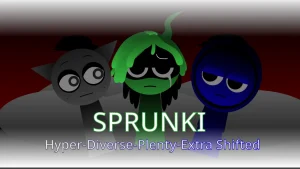
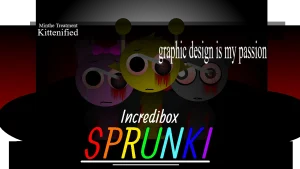
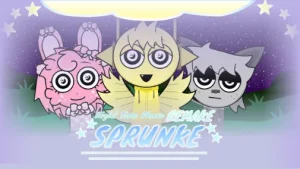
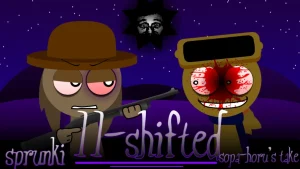
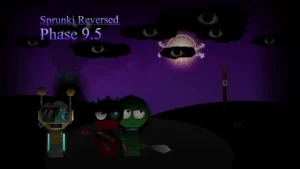
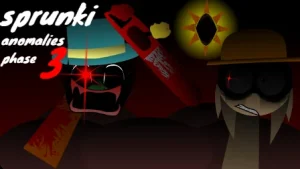
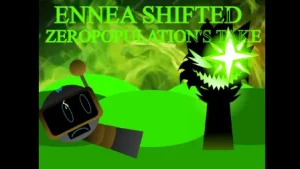
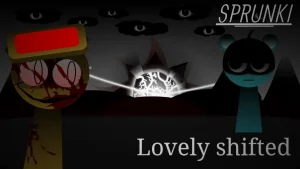
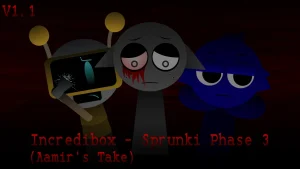
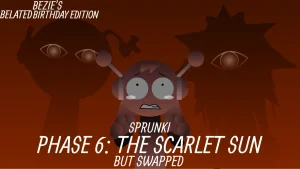
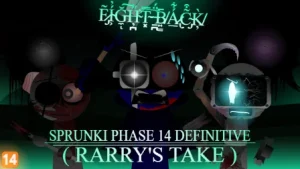
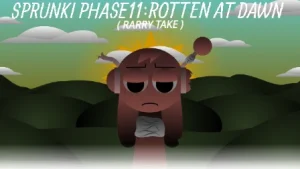
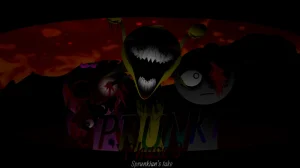
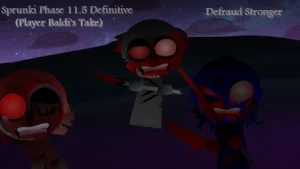
Sprunki Shifted (Smiler's Take) reimagines the familiar beatmaking stage through a tense, horror-tinged lens. Drawing inspiration from the broader Sprunki Shifted concept, players assemble musical tracks by arranging altered, distorted figures across a stark mustard-gold backdrop. The experience leans directly into an unsettling audiovisual mood, replacing upbeat pop loops with eerie rhythmic layers and startling visual transformations.
Across the lineup, classic personalities take on striking and unconventional personas. The stage presents an unnerving reinterpretation of Oren alongside a chaotic, wide-eyed redesign of Funbot. Other figures bring unexpected contrasts into the ensemble, including a reimagined Simon inspired by Robot Revolution and visual nods referencing Red Ball 4. Most bonus characters across the roster also take on shifted forms, with rare exceptions like Mickey and Big B remaining in their familiar shapes amidst the distorted crowd.
Beyond character alterations, the project includes practical interface options to fine-tune the presentation. Players can explore an in-game gallery or enter the settings menu to adjust screen movement, with options to toggle camera shake, switch animations on or off, and keep the background music active. These settings allow players to manage visual intensity while focusing on layering beats.
Developed by creator @Smiler_E—who assembled the project during a three-day break—the mod arrives in V3.0 as a distinctive community interpretation of the shifted theme. This community-submitted game is now available to play directly on Sprunki.cool, offering fans of horror-themed soundboards a focused, atmospheric soundstage to explore.
Loading comments...