![Sprunkilarity [Niki's Take] game cover - play free online on Sprunki.cool](https://sprunki.cool/wp-content/uploads/2026/09/sprunkilarity-nikis-take-300x223.webp)



![Sprunki Sprunkatool [OFFICIAL]](https://sprunki.cool/wp-content/uploads/2026/09/sprunki-sprunkatool-official-300x169.webp)
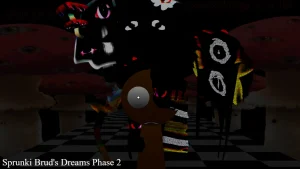
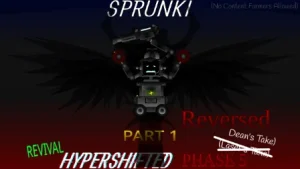
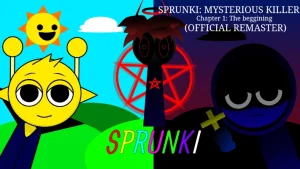
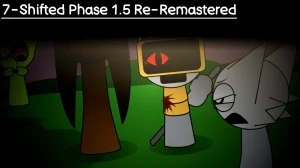








Step onto a stage wrapped in shadowy visual contrast and gloomy audio atmospheres. In Sprunkilarity [Niki's Take], the familiar music-making sandbox shifts into an unsettling territory where dark, twisted aesthetics meet low-frequency soundscapes. Unique cast members like the Ghost DJ and Shadow Arranger step into the lineup, bringing low-register timbres and responsive, eerie visual effects that synchronize directly with your beat arrangement.
This take reimagines the traditional arrangement setup with visual adjustments, scaling visual assets and Polos to a refined 65% size to keep the workspace clean. Players place sound notes and beat blocks onto active tracks, layer multi-track sound effects, and fine-tune pitch and speed in real time. Beyond standard sound creation, the experience offers multiple operational styles, ranging from relaxed free creation to timed challenges and horror-infused narrative stages.
Crafted by creator @nikinik2026 as a special birthday release project, the mod captured immediate player attention across the community. Fans hailed the release as a standout creation, celebrating its atmospheric depth while discussing its eerie tone. Players interested in exploring alternate variations of this concept can also check out Sprunkilarity Re Remastered.
This community-submitted game is now available to play directly in your web browser on Sprunki.cool, offering instant access to rhythm remixing without requiring downloads.
Loading comments...